Showing posts with label Intel. Show all posts

Friday, April 6, 2007

Setting up wireless with Mandriva 2007

I rarely install Linux on laptop. It was great to have one and saw how Linux distros progressed in this area. Since last week, I have been a responsible person for one of my office's laptop. I tried installing Fedora Core 6 on it. It was no good. After a couple of minutes, it started to become slower like something was going on in the background. It was so annoying. I tried upgrading the kernel and all the latest updates using yum but to no avail. Of course your mileage may vary.

Mandriva 2007
With Mandriva 2007, I was in luck. I got the DVD from LinuxForYou magazine. I am no stranger with Mandriva. I have been using it for 5 years and one of servers I managed using it. As any desktop-oriented distros, Mandriva is one of the user-friendliest distros out there. It is good and will be better in the future.

Wireless
My laptop is Intel-based. What i mean here is the wireless, CPU and VGA chipsets are from Intel. My wireless is ipw3945. No driver for this chipset I could found in the DVD. After googling, the driver is here. This is the kernel module (driver) for the wireless chipset. Hence, I activated it with modprobe : modprobe ipw3945. It created a device called eth1 (eth0 was reserved for wired connection).

Connecting to AP
Open Mandriva Control Center and go to Network And Internet:
Click on the Wireless connection.


As you see in the diagram below, the AP signal was detected and shown. The button Disconnect should be Connect before you connect your laptop to the AP.


If the connection is successful, then you can connect to your network and internet. Contact your network administrator if you have problem. Good luck.

Thursday, June 15, 2006

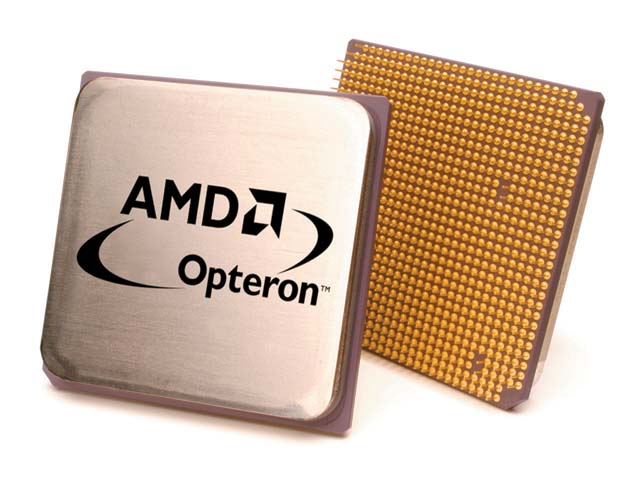
AMD Opteron vs Intel Itanium


Recently, I attended a seminar on Grid Computing and HPC. The organizer invited an Indian speaker, a sales director of SUN India, Mr Mohan. In his brilliant speech, many useful information gathered by me especially the decision made by SUN to opt for AMD Opteron on many its HPC products instead of Intel Itanium (in terms of commodity 64-bit CPU).

Why Opteron?
These are the reasons (briefly):

1. Allows end users to run their existing installed base of 32-bit applications and operating systems at peak performance, while providing a migration path that is 64-bit capable.

2. HyperTransport technology - provides a scalable bandwidth interconnect between processors, I/O subsystems, and other chipsets. This feature is not available in Itanium.

3. Integrated DDR DRAM Memory Controller - this memory is integrated in CPU itself. For Itanium, the memory is outside of CPU. According to Mr Mohan,Itanium introduced FSB (Front Side Bus) to connect CPU to external RAM. This increases latency.

4. Low-Power Processors - the AMD Opteron processor offers industry-leading performance per watt making it an ideal solution for rack-dense 1U servers or blades in datacenter environments as well as cooler, quieter workstation designs. This is a critical factor for HPC environment.

The bottomline is Opteron is more scalable than Itanium in terms of speed. If we add more CPUs, the Opteron speed will increase as opposed to Itanium. To make things worse, the bandwidth between CPUs will be divided evenly.

These are distinctive features on AMD Opteron that made it suitable for SUN to bundle it for their server products. Although Intel is popular, for technical people, popularity is nothing. The technical side of it is more important and pricewise it is cheaper too.

ps : This article is not endorsed by AMD :-)

Nvidia new hotplug feature on Linux

 If you use nvidia driver for your GPU, you probably wonder why in some config, you can't hotplug your second monitor. You need to reboo...